
Which processes can you automate with AI?
With AI you mainly automate processes in which people process a lot of text, documents or loose data. The best candidates are tasks that occur frequently and follow roughly the same decision logic each time.
These processes often lend themselves well to AI automation.
| Process | Example | Result |
|---|---|---|
| Customer questions | Recognize, summarize and prepare incoming emails | Faster follow-up and less triage work |
| Lead qualification | Requests are scored based on region, budget, type of customer or urgency | Sales focuses on better leads |
| Document processing | Extract data from quotes, invoices, contracts or forms | Less copying and fewer errors |
| Content workflow | Prepare briefs, first drafts, rewrites or checks | Faster production with human final control |
| Reporting | Summarize data and extract actions from reports | Better follow-up without manual analysis |
When is a process suitable for AI automation?
A process is suitable when the input is recognizable, the outcome is verifiable and the time savings are large enough. If exceptions are more important than the standard flow, it is better to start smaller.
Use this decision rule.
- The task is often recurring
- There is clear input, such as email, form, document or database field
- The output is text, classification, summary, score or action proposal
- A human can quickly check the result
- The margin of error is manageable or covered with control
When should you start with AI advice?
It is better to start with hiring Jan Kenis as an AI consultant when it is not yet clear which process delivers the most value. AI advice prevents you from building a workflow for a task that has too little volume, too many exceptions or too much data risk.
If the process is clear, the automation can be prototyped and implemented more quickly. Consultancy and implementation are therefore connected, but they have a different purpose.
How does an automation process proceed?
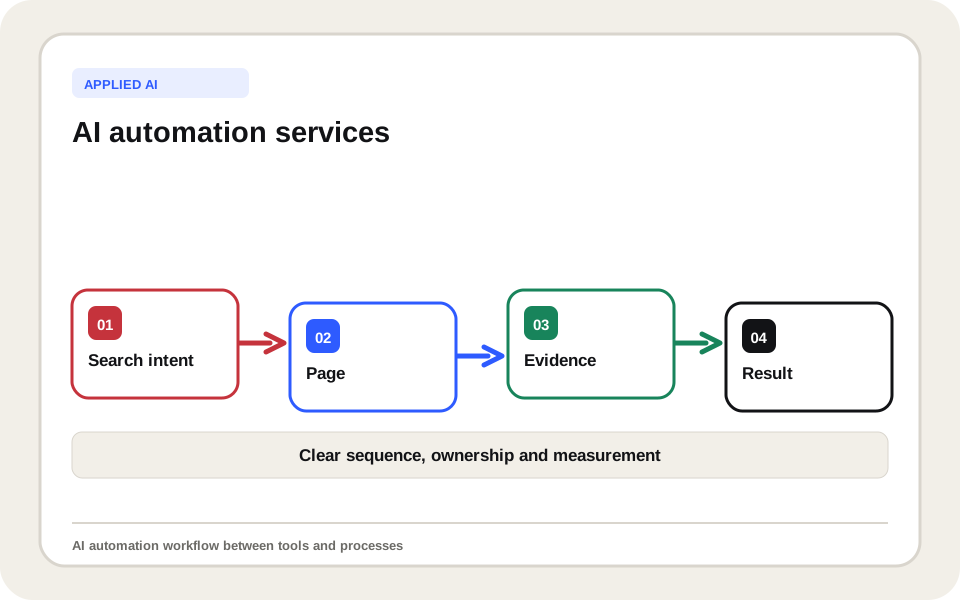
An automation process starts with process analysis and ends with a measurable workflow that fits into your existing tools. The technology only follows after the process is clear.
- Choosing a process and measuring current time use.
- Record input, output, exceptions and checkpoints.
- Building a small prototype with real examples.
- Test results for quality, speed and safety.
- Link to tools such as CRM, mailbox, spreadsheet or project software.
- Document and improve workflow based on usage.
What tools and connections does an AI automation use?
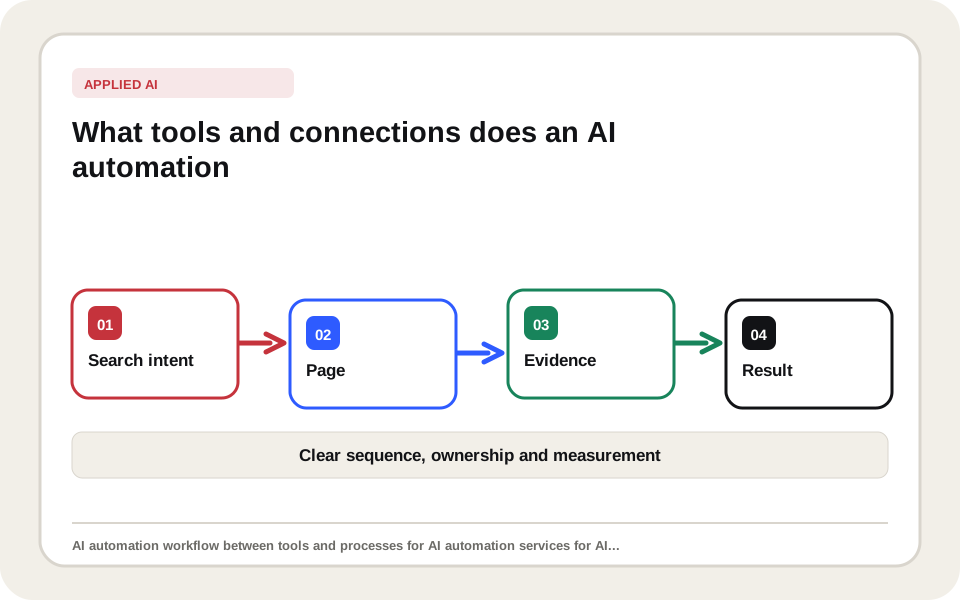
An AI automation uses the tools already present in your company when it is practical and safe to do so. The value is not in having as many tools as possible, but in a workflow that transmits information correctly and remains controllable.
These links are common.
| Link | Example |
|---|---|
| Mailbox | Summarize incoming requests and forward them to the right person |
| CRM | Enrich leads, score them and prepare follow-up tasks |
| Forms | Classify website requests and supplement them with context |
| Spreadsheets | Clean, categorize and convert data into actions |
| Project tools | Create tasks from emails, documents or meeting notes |
What is the difference with regular automation?
Regular automation follows fixed rules. AI automation can also handle language, context, and variation. This makes processes automatable that were previously too messy for simple if-then rules.
The best solution often combines both. Rules ensure reliability, AI processes the variation, and human control remains where judgment is needed.
What does AI automation deliver?
AI automation saves time, faster follow-up, fewer errors and better scalability. The value lies mainly in tasks that occur every day, because small time savings add up quickly.
Measure results with these indicators.
| Metric | Why it counts |
|---|---|
| Time per task | Shows immediate efficiency gains |
| Error rate | Shows whether quality is increasing or decreasing |
| Lead time | Shows whether customers or teams are helped faster |
| Human corrections | Shows how reliable the output is |
| Scaled up volume | Shows whether the workflow can handle more work |
Which AI automations are useful per department?
The best AI automations differ per department. Sales needs different workflows than administration, marketing or support. Therefore, start with a concrete team and a measurable task.
These examples show where companies often start.
| Department | AI automation |
|---|---|
| Sales | Qualify leads, prepare follow-up emails and create CRM tasks |
| Administration | Summarize documents, recognize data and prepare controls |
| Marketing | Prepare content briefs, keyword clusters and reports |
| Support | Summarize, categorize, and create draft answers to customer questions |
In practice
The greatest gain is rarely found in the most spectacular process. It is often the task that takes half an hour every day: sorting requests, summarizing emails, transferring data or reviewing reports. Automating these silent time-wasters will deliver faster returns than a large AI project without a clear owner.
Which risks should you avoid?
You avoid risks by not letting AI make unlimited decisions. Privacy-sensitive data, customer communications, legal interpretations and financial decisions require clear control points.
These errors make automations vulnerable.
- Automate without measuring current time and errors
- No human control provided for risky output
- Process confidential data without agreements
- Not documenting prompts, rules, and exceptions
- Starting too big without a prototype
When do you need customization?
You need customization when the automation needs to link to your own systems, uses multiple data sources or requires reliability that standard tools do not offer. Then an automation grows to AI software development.
If you first want to determine which process yields the most, we will start with a free discovery call and a short process analysis within your broader AI for companies approach.