
301 vs 302
| Type | Meaning | Use |
|---|---|---|
| 301 | Permanent | URL has permanently moved |
| 302 | Temporary | URL will return later |
Almost always use a 301 for final changes. It is crucial for a website migration to maintain rankings, and just avoid a 404 error.
What should you know about 301 redirect?
| Quick fact | Detail |
|---|---|
| Also called | permanent redirect, HTTP 301, 301 redirection |
| Primary source | Google Search Central documentation about redirects and Google Search |
How does a 301 redirect work in practice?
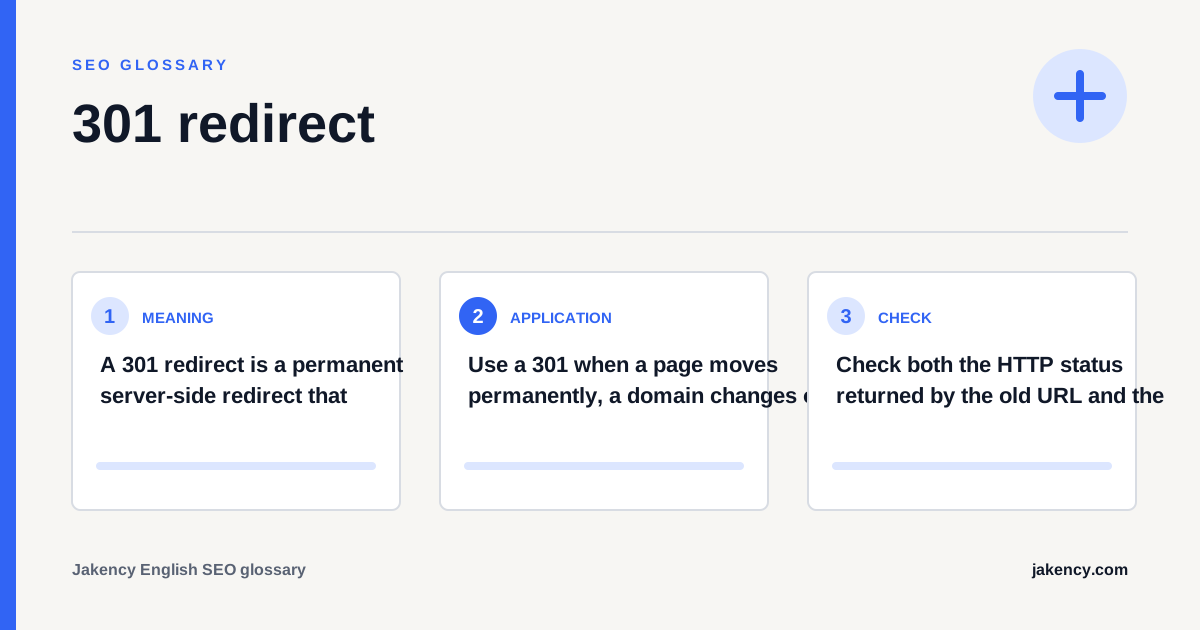
Use a 301 when a page moves permanently, a domain changes or several URL variants must consistently resolve to one preferred address. The destination should satisfy the same intent as the old page.
- Choose the destination: Map every old URL to the closest equivalent page on the new structure.
- Configure it server-side: Implement the redirect at server or platform level instead of relying on JavaScript.
- Update references: Change internal links, canonicals, hreflang and XML sitemaps to point directly to the new URL.
- Test the route: Verify the status code, destination, protocol, hostname and number of hops.
- Monitor the move: Track indexing, crawl issues and organic performance during the transition.
How do you check a 301 redirect?
Check both the HTTP status returned by the old URL and the final destination. The old URL should return 301 directly and the new URL should normally return 200.
- The old URL returns HTTP 301 rather than 302 or 200.
- The redirect reaches a relevant 200-status destination in one hop.
- Internal links and canonical tags point directly to the destination.
- The new URL is in the XML sitemap and the old URL has been removed.
- There are no loops between HTTP, HTTPS, www and non-www variants.
- Important old URLs remain redirected for long enough.
Which mistakes should you avoid with a 301 redirect?
Do not redirect every removed page to the homepage. An unrelated destination does not help the visitor and may be treated as a soft 404.
| Mistake | Why it matters |
|---|---|
| Redirect chain | Several intermediate hops slow crawling and make migrations harder to maintain. |
| Irrelevant destination | A generic homepage does not replace the intent served by a specific old page. |
| Only updating internal links | External links and old index entries can still request the previous URL, so the redirect remains necessary. |
How do you measure the effect of a 301 redirect?
Evaluate the redirect as part of a URL migration. Confirm that it works technically and that Google indexes the replacement while relevant search visibility moves with it.
| Signal | Interpretation |
|---|---|
| Indexing status | The old URL gradually leaves the index and the new URL becomes the selected canonical. |
| Clicks and impressions | Search Console shows whether relevant search performance shifts to the replacement page. |
| Server logs and crawls | Logs and site crawlers reveal chains, loops and old URLs that are still linked internally. |
How does a 301 redirect relate to other SEO concepts?
301 redirect rarely operates in isolation. Use the related concepts below to connect this definition with the next technical, content or measurement decision for your website, audience and market.
- 404 error: A 404 error means the server is reachable but could not find the requested resource at that URL.
- canonical tag: A canonical tag is an HTML link element that identifies the URL a website considers the preferred version of identical or very similar content.
- XML sitemap: An XML sitemap is a machine-readable file listing URLs that a website wants search engines to discover and crawl.
What is this explanation based on?
The definition and the checks on this page follow the primary source listed at the top. The practical recommendations combine that documentation with page-level SEO analysis. Where the documentation makes no statement, the page says so instead of assuming one.
More questions about 301 redirect
Does a 301 redirect pass SEO signals?
Google treats a permanent redirect as a strong signal that the new URL is the replacement. A relevant one-to-one move helps consolidate signals but does not guarantee identical rankings.
How long should a 301 redirect remain active?
Keep important redirects while users, links or search engines can still request the old URLs. Long-term retention is usually sensible for a domain migration.
What is the difference between a 301 and a 302 redirect?
A 301 communicates a permanent move. A 302 communicates that the redirect is temporary, such as during short maintenance or a limited test.
Keyword cannibalization is only actionable when overlapping URLs serve substantially the same intent and create an unwanted search outcome. Diagnose query-to-page data, page purpose and business impact before merging or redirecting content.
SEO-friendly URLs use a stable, crawlable and descriptive structure without treating the path as a keyword field. Review URL anatomy, parameters, international structures and migration decisions before changing established addresses.