
Why track 404 errors?
A visitor who lands on a 404 often drops out. And if another link points to that page, that value is lost. You can catch moved pages with a 301 redirect. Too many 404s also waste your crawl budget, which hits your technical SEO.
What should you know about 404 error?
| Quick fact | Detail |
|---|---|
| Also called | page not found, HTTP 404, 404 not found |
| Primary source | Google documentation about HTTP status codes and network errors |
How does a 404 error work in practice?
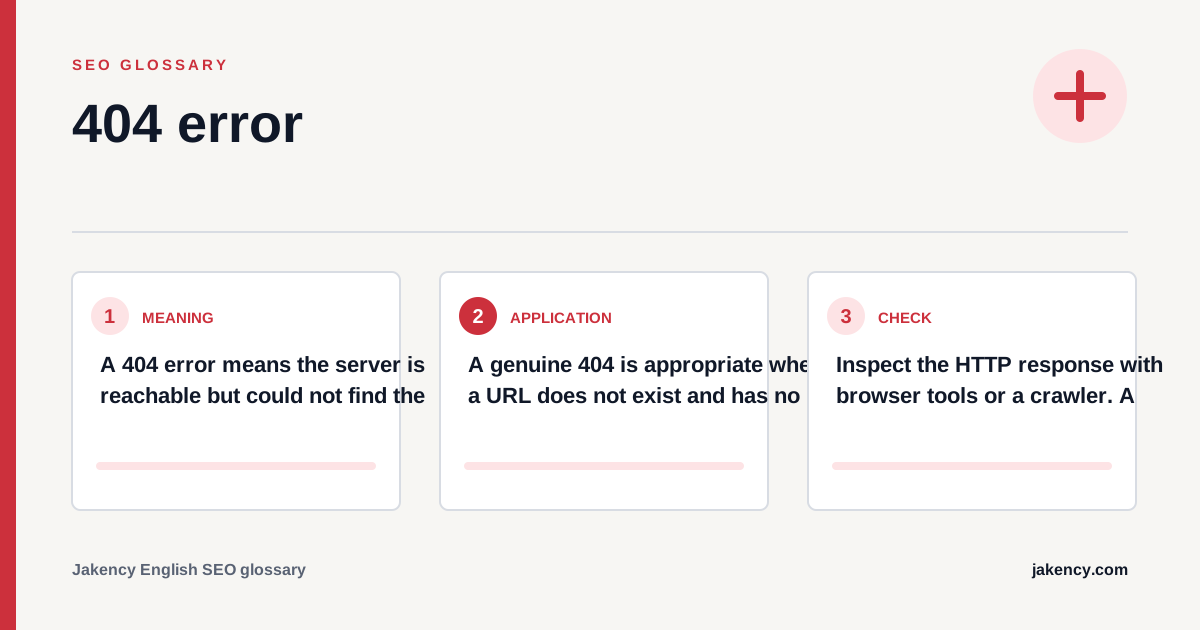
A genuine 404 is appropriate when a URL does not exist and has no relevant replacement. If an equivalent page is available elsewhere, use a permanent redirect.
- Find the cause: Determine whether the URL is linked incorrectly, removed, renamed or was never published.
- Choose the response: Restore the page, redirect to an equivalent resource or keep a genuine 404.
- Repair internal references: Update navigation, content links, canonicals and sitemaps that request the missing URL.
- Make the error page useful: Provide clear guidance, navigation, search or relevant routes while retaining the correct status.
- Monitor recurring errors: Use Search Console, crawls and logs to identify important broken URLs.
How do you check a 404 error?
Inspect the HTTP response with browser tools or a crawler. A visual 'not found' message is not enough when the server still returns a 200 success status.
- The missing URL genuinely returns HTTP 404 or 410.
- The error page helps visitors continue through navigation or search.
- Internal links and XML sitemaps do not include the missing URL.
- URLs with valuable external links receive a relevant solution.
- Typos and case variants are not needlessly indexable.
- Soft 404 reports in Search Console are reviewed in context.
Which mistakes should you avoid with a 404 error?
Do not leave removed URLs as empty 200-status pages. This creates a soft 404 and makes the absence of useful content less clear to search engines.
| Mistake | Why it matters |
|---|---|
| Redirecting everything | An irrelevant destination hides the problem and can still be treated as a soft 404. |
| Returning status 200 | A useful error message with a success status technically says that normal content exists. |
| Treating every 404 as a crisis | 404 responses are normal for nonexistent URLs. Prioritize important internal and externally linked routes. |
How should you monitor 404 errors?
Prioritize errors by internal links, organic traffic, backlinks and user demand. A broad crawl can include many irrelevant probes and obsolete URLs.
| Signal | Interpretation |
|---|---|
| Broken internal links | These are directly controllable and disrupt both user journeys and crawling. |
| Not found reports in Search Console | Reports help identify patterns and investigate URLs previously known to Google. |
| Backlinks to 404 URLs | External links to missing pages can justify restoration or a closely relevant redirect. |
How does a 404 error relate to other SEO concepts?
404 error rarely operates in isolation. Use the related concepts below to connect this definition with the next technical, content or measurement decision for your website, audience and market.
- 301 redirect: A 301 redirect is a permanent server-side redirect that automatically sends users and search engines from an old URL to a new, relevant URL.
- XML sitemap: An XML sitemap is a machine-readable file listing URLs that a website wants search engines to discover and crawl.
- Google Search Console: Google Search Console is a free Google service that helps website owners monitor search performance, indexing and technical signals for their website in Google Search.
What is this explanation based on?
The definition and the checks on this page follow the primary source listed at the top. The practical recommendations combine that documentation with page-level SEO analysis. Where the documentation makes no statement, the page says so instead of assuming one.
More questions about 404 error
Does a 404 error hurt SEO?
A normal 404 on a nonexistent URL does not automatically harm the rest of the website. Large numbers of broken internal links or lost pages with value can still waste opportunities.
When should you use 410 instead of 404?
A 410 explicitly says that the resource was intentionally and permanently removed. Both indicate unavailable content, although 404 is the more common response.
Should a 404 page appear in the XML sitemap?
No. An XML sitemap should contain canonical, indexable URLs that you want search engines to consider.